Home › Tools › Image to SVG converter
Image to SVG converter
An image to SVG converter that turns a PNG, JPG, WebP, HEIC, GIF, BMP, AVIF or camera RAW into a vector file with real, editable paths. It stays sharp at any size, from a business card to a shopfront. Up to 10 at a time, 3 running at once, 20 AI credits a day shared across the AI tools, free, no account.
- Upload
- Convert
- Download
PNG, JPG, WebP, GIF, BMP, AVIF, TIFF, HEIC or camera RAW (NEF, CR2, ARW); shorter side at least 257 px. Ten files a drop, three converting at once. Anything but PNG, JPG and WebP is decoded in your browser and sent as PNG; over 4 MB is resized first, over 40 MB is refused. Your image is sent to the AI service that traces it.
Running more than twenty a day?
This is the same pipeline we run production campaigns on. Tell us the volume and we will size it.
What is the difference between a raster image and a vector?
A raster image stores a fixed grid of colored pixels, so enlarging it has nothing more to draw with. A vector stores shapes as coordinates and curves, and is redrawn at whatever size you ask for. PNG, JPEG and WebP are raster. SVG, AI and EPS are vector.
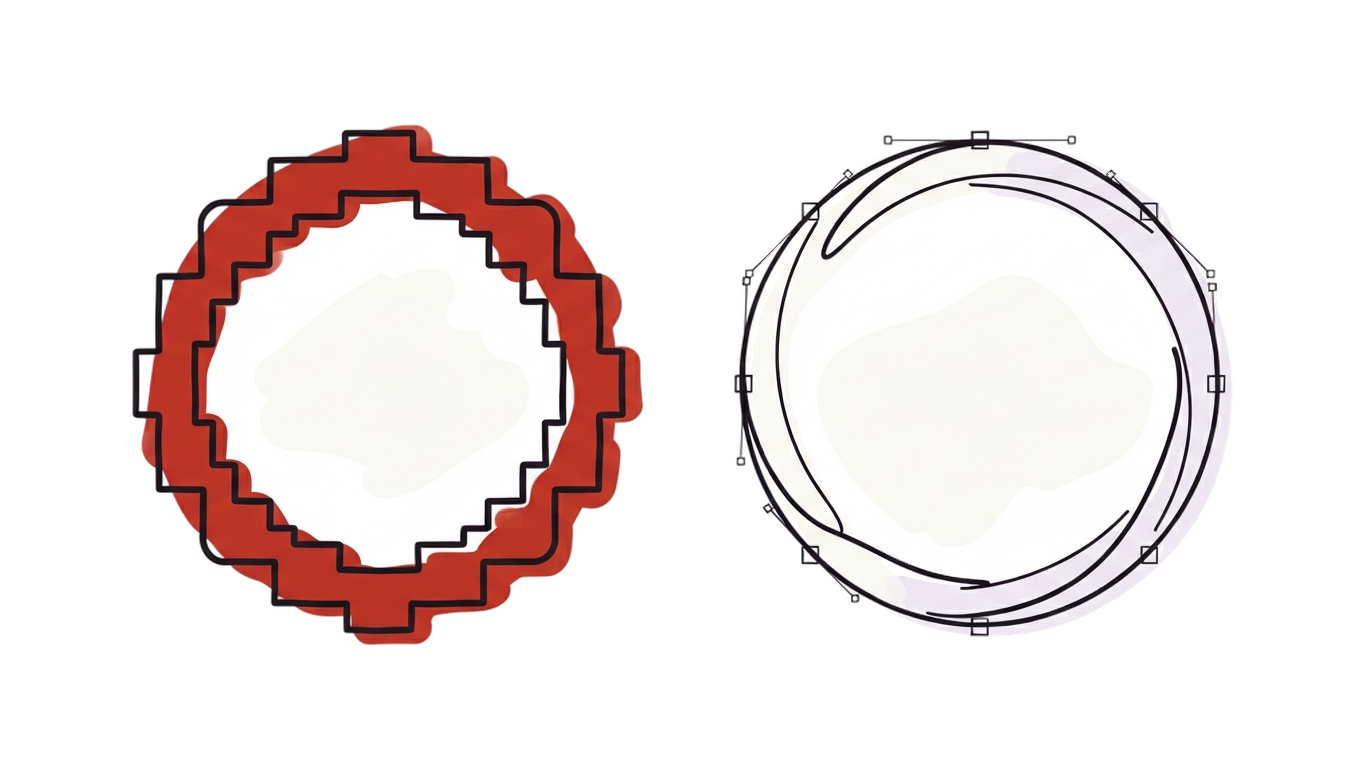
- Regions
The image is read for areas of flat color and the boundary between them, rather than scanned pixel by pixel.
- Curves
Each boundary is fitted with bezier curves, so a circle returns as a few arcs instead of four hundred points.
- Paths
The curves are written out as grouped paths with fills, which is why you can select a shape in an editor rather than a mesh of pixels.
When do you need a vector?
Use SVG when the image will be resized, printed larger than A3, cut, engraved, embroidered, or handed to someone else to work with. Use PNG when it is a photograph, or is going on screen at one fixed size.
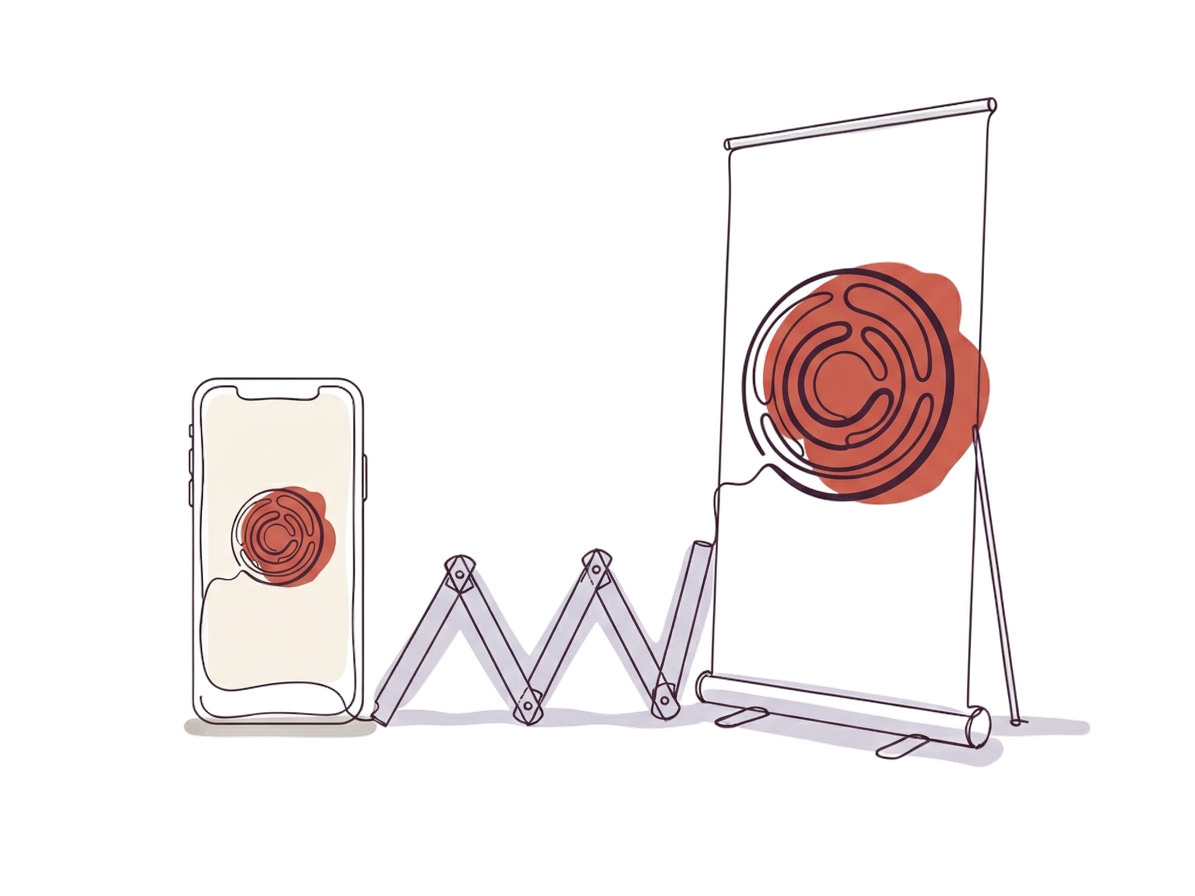
- Signage, banners and liveryLarge format exposes the pixel grid, and print shops reject raster logos above a certain size.
- Cutting, engraving, embroideryThese machines follow paths. A raster file has none, so the job cannot be set up at all.
- Anything handed to a printerVector is the standard deliverable. Sending a PNG usually costs a round trip and a day.
- Assets exported at many widthsOne SVG replaces the folder of PNGs at 64, 128, 256, 512 and 1024, and never needs regenerating.
It works on artwork, not photographs
Flat color with hard edges traces cleanly. Continuous tone does not: a photograph has no flat regions to describe as shapes, so it comes back as thousands of tiny paths — and it still spends one of your twenty.
Logo — a handful of clean paths
Icon — every stroke a path
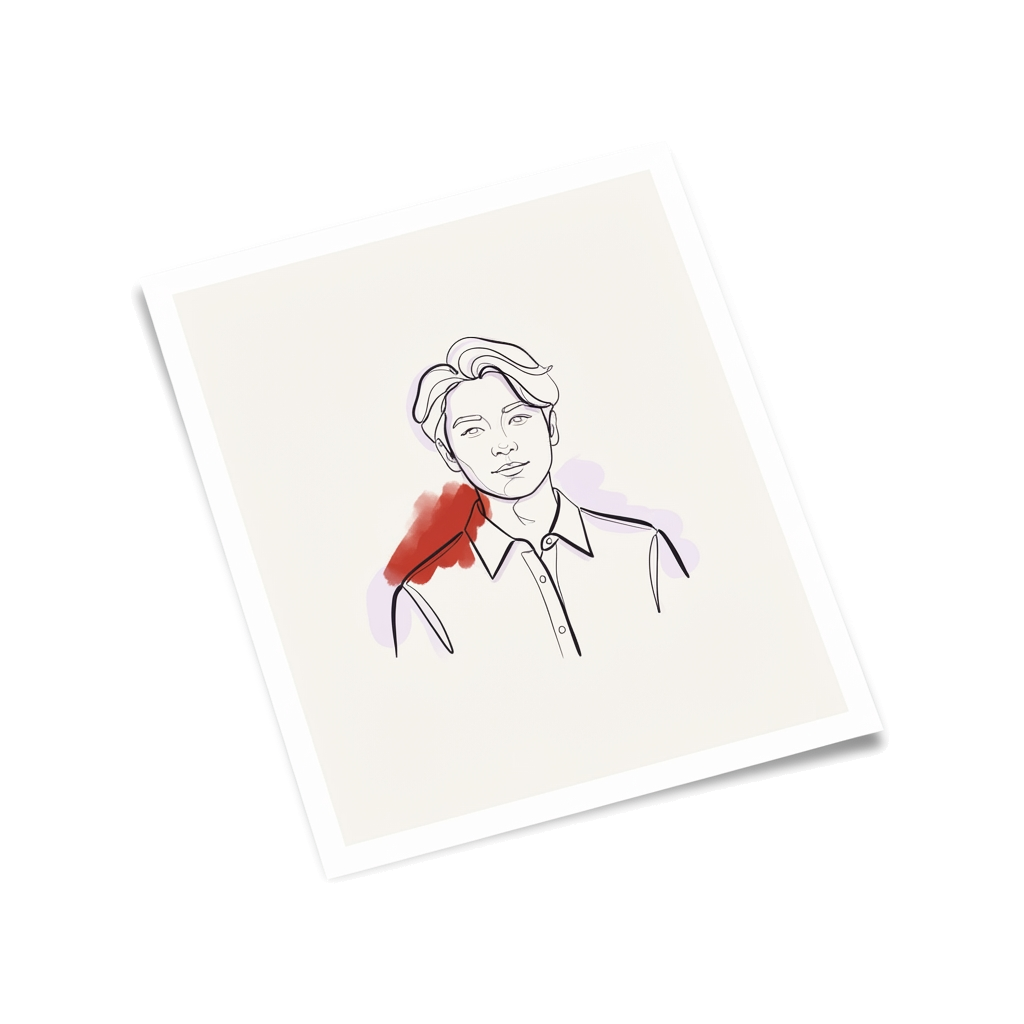
Photo — thousands of fragments
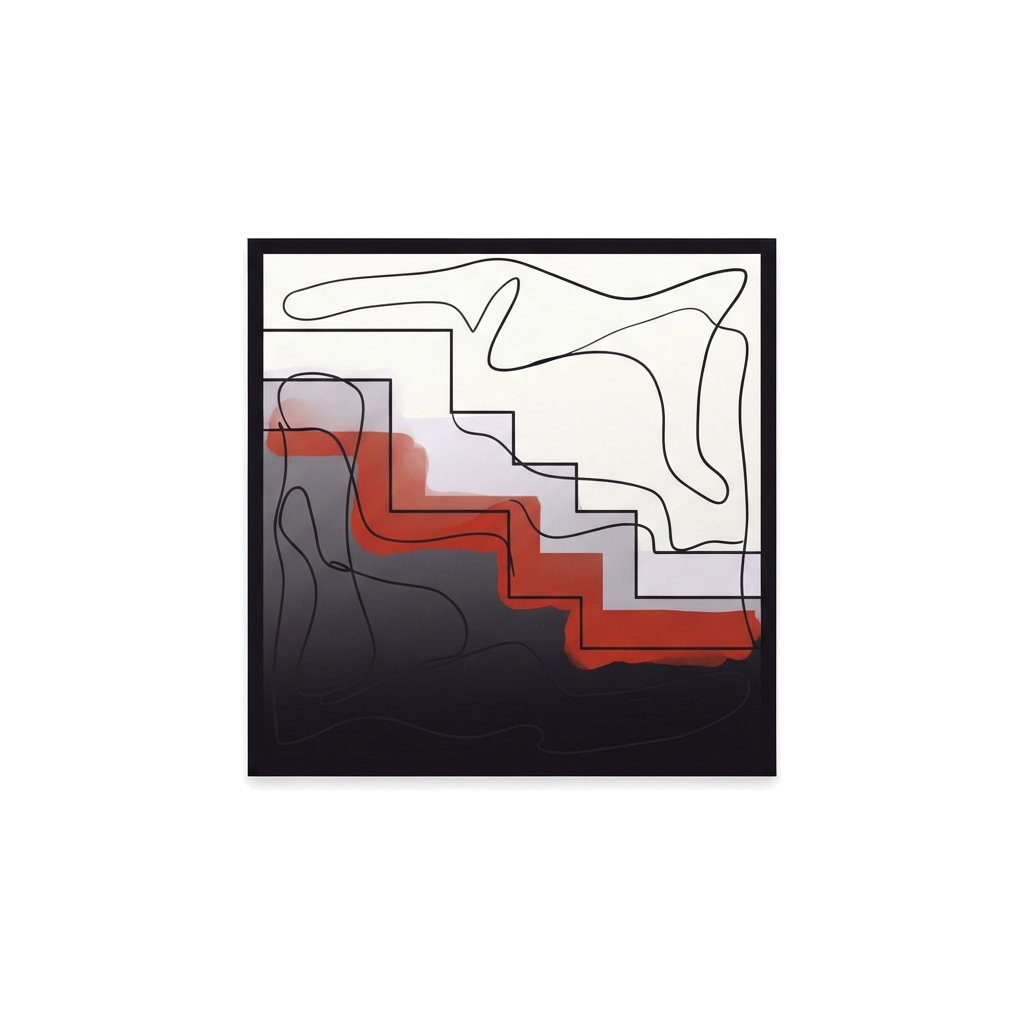
Gradient — visible banding
The shorter side must be at least 257 px, and that is the floor, not the target: a curve fitted to a 300 px logo comes back lumpy. If a result looks rough, re-export the source at 1000 px or more and convert it again. Files over 4 MB are resized in your browser before they are sent.
How to convert an image to SVG
Drop the images onto the panel at the top of this page, wait for the queue, then compare the trace against the original before you download. Nothing to install and no account.
- Drop in up to ten images
PNG, JPG, WebP, GIF, BMP, AVIF, a HEIC from a phone or a camera RAW (NEF, CR2, ARW). Drag them anywhere on the page, or choose them from the stage above; three convert at a time and the rest wait their turn. Anything that is not already PNG, JPG or WebP is decoded in your browser first — a GIF gives its first frame, a RAW gives the camera's own full-size preview — and anything over 4 MB is resized before it is sent. The shorter side must be at least 257 px.
- Let it trace to vector
The image goes to our tracing model, which reads it for regions of flat color, fits curves to the boundaries and writes them out as paths. Expect fifteen to twenty seconds a file — it is a model call, not a filter — but three run at once, so a full batch of ten is nearer a minute than three. The queue shows how many are running and how long is left, and Cancel all stops every one of them.
- Compare, then download or edit
Drag the compare slider across the original, zoom to 4× to check the edges, then download the SVG, copy its code or open it in the SVG editor.
Before you convert
What it does, what it will not do, and the fixes for what usually goes wrong.
Other conversions
PNG to SVG, JPG to SVG, WebP to SVG, HEIC to SVG, GIF to SVG, BMP to SVG, AVIF to SVG and camera RAW to SVG all run on this page — pick the file, the tool reads the format.
More free tools
All tools- Contrast checkerWCAG ratios
- Palette generatorPalettes from a prompt
- Palette visualizerPalettes on mockups
- Image compressorSmaller JPG, PNG, WebP
- Image resizerEvery size, every photo
- Image converterHEIC, RAW, PSD, TIFF
- Remove backgroundTransparent PNG
- SVG editorRecolor, erase, export